Your first app
Main Page UI
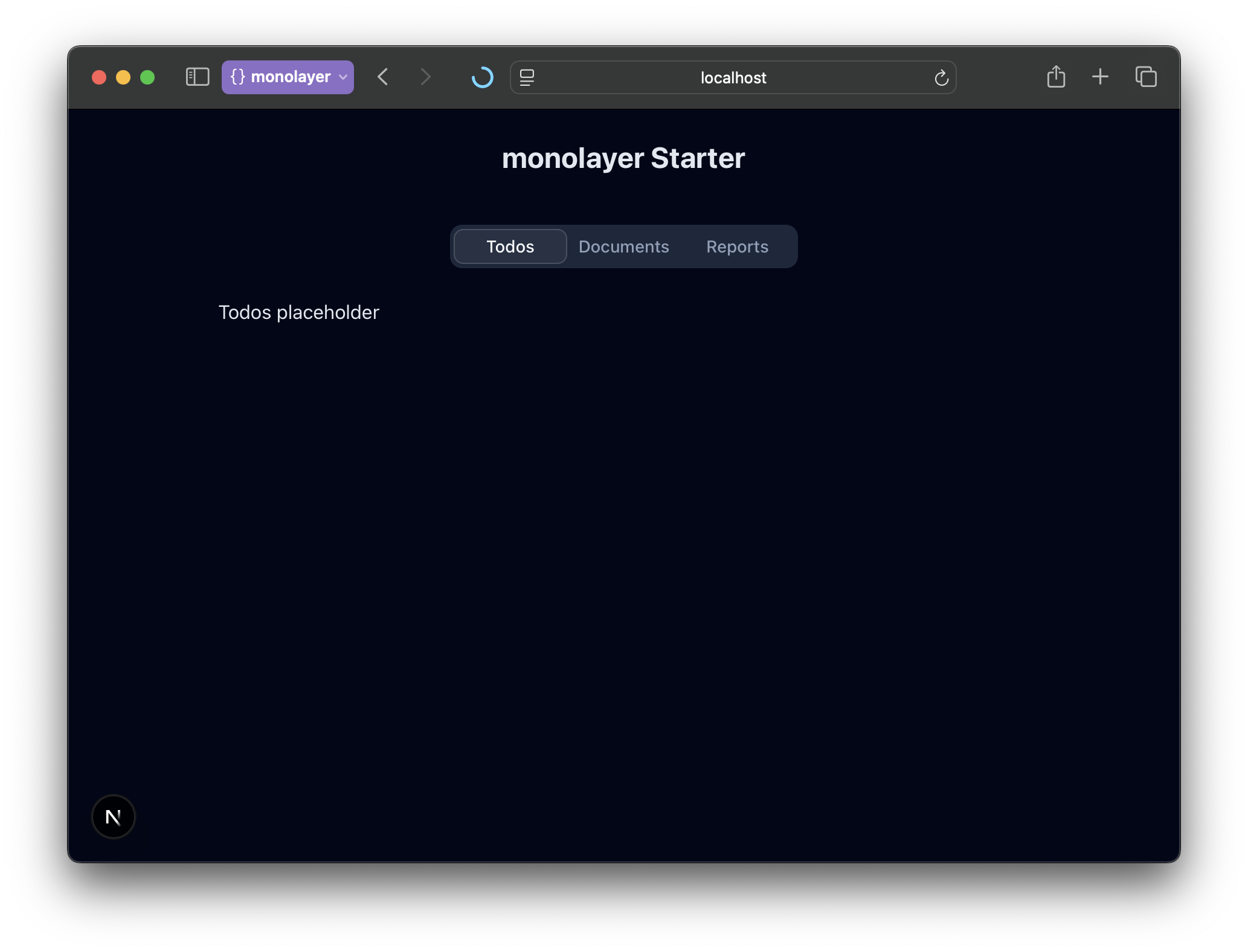
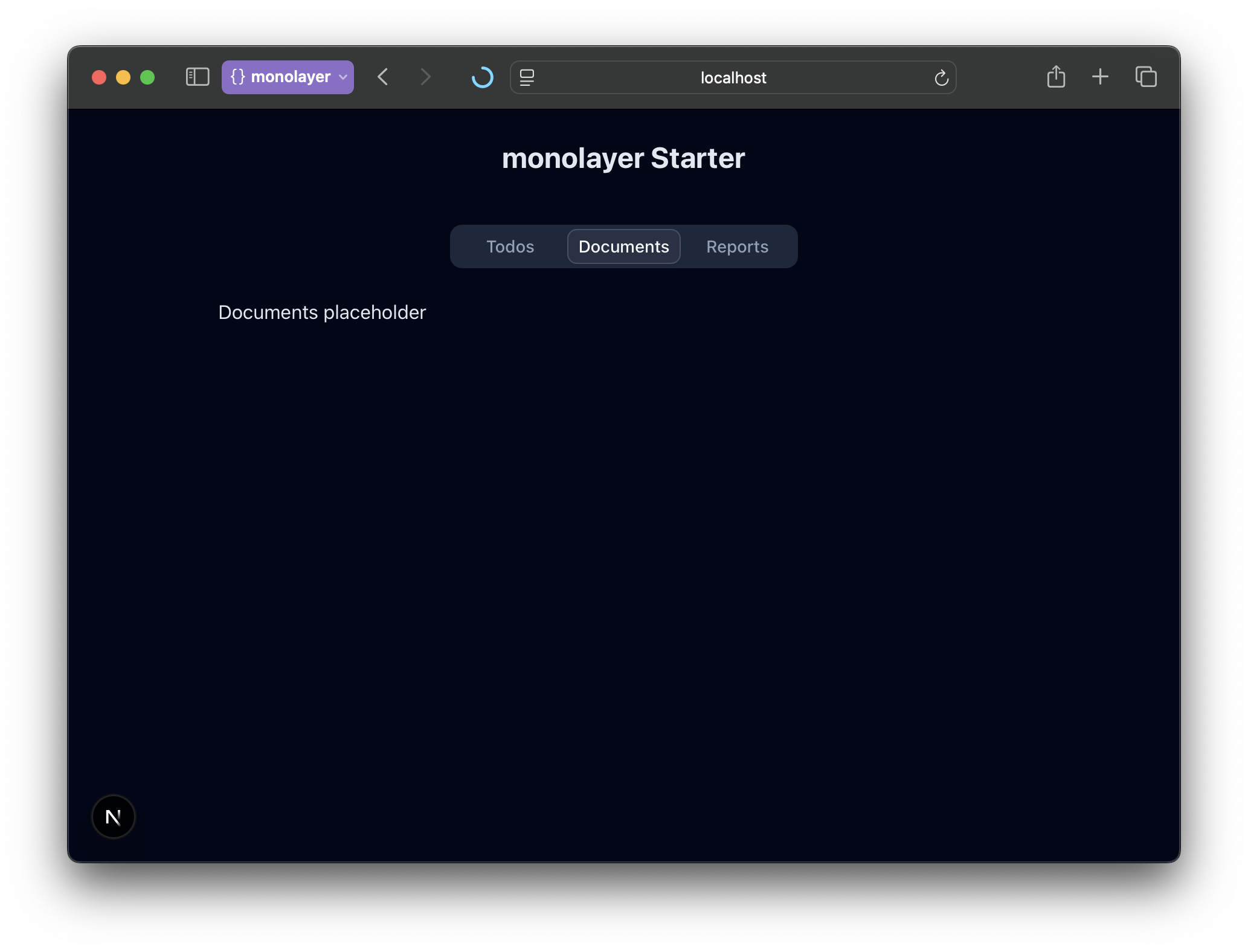
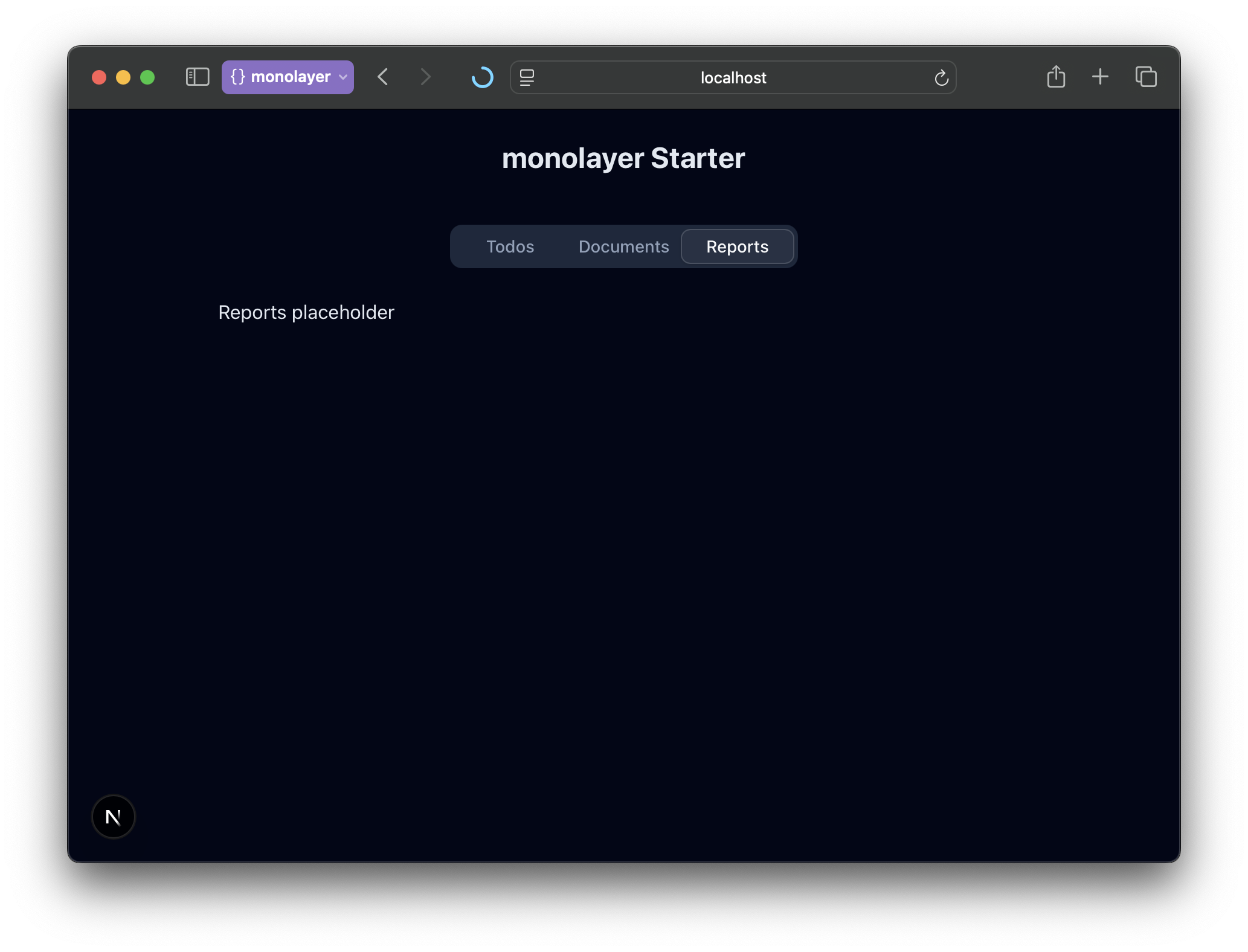
We'll replace the default Next.js landing page with a tabbed interface using TailwindCSS and shadcn/ui components.
Add Toaster to Layout.tsx
import type { Metadata } from "next";
import { Geist, Geist_Mono } from "next/font/google";
import "./globals.css";
import { Toaster } from "@/components/ui/sonner";

const geistSans = Geist({
	variable: "--font-geist-sans",
	subsets: ["latin"],
});

const geistMono = Geist_Mono({
	variable: "--font-geist-mono",
	subsets: ["latin"],
});

export const metadata: Metadata = {
	title: "Create Next App",
	description: "Generated by create next app",
};

export default function RootLayout({
	children,
}: Readonly<{
	children: React.ReactNode;
}>) {
	return (
		<html lang="en">
			<body
				className={`${geistSans.variable} ${geistMono.variable} antialiased`}
			>
				<Toaster theme="dark" position="top-right" />
			</body>
		</html>
	);
}
Replace the contents of app/page.tsx
import { Tabs, TabsContent, TabsList, TabsTrigger } from "@/components/ui/tabs";

export default function Home() {
	return (
		<main className="min-h-screen dark text-primary bg-slate-950 p-6">
			<div className="flex flex-col gap-10">
				<h1 className="text-2xl font-bold text-center">monolayer Starter</h1>
				<Tabs defaultValue="todos" className="items-center w-full">
					<TabsList className="w-2xs">
						<TabsTrigger value="todos">Todos</TabsTrigger>
						<TabsTrigger value="documents">Documents</TabsTrigger>
						<TabsTrigger value="reports">Reports</TabsTrigger>
					</TabsList>
					<TabsContent value="todos" className="w-full align-start">
						<div className="py-4 max-w-2xl mx-auto">Todos placeholder</div>
					</TabsContent>
					<TabsContent value="documents" className="w-full align-start">
						<div className="py-4 max-w-2xl mx-auto">Documents placeholder</div>
					</TabsContent>
					<TabsContent value="reports" className="w-full align-start">
						<div className="py-4 max-w-2xl mx-auto">Reports placeholder</div>
					</TabsContent>
				</Tabs>
			</div>
		</main>
	);
}
Here are some screenshots on how the application should look like: