Your first app
Overview and setup
Welcome! In this guide, you'll build and your full-stack web application using monolayer.
You'll learn how monolayer simplifies typical full-stack setup and will concentrate on writing app logic.
This guide uses the following stack:
- Next.js (App Router)
- Prisma ORM
- shadcn/ui
- monolayer SDK
We'll be building a small that has a todo list backed by a PostgresSQL database, a document storage, and running background task.
Prerequites
- Node.js.
- Docker running in your local environment.
Setup
Create a Next.js app
Scaffold a new Next.js project.
npx create-next-app@latest monolayer-starter
cd monolayer-starter
Add UI primitives
npx shadcn@latest init --yes --base-color slate
npx shadcn@latest add tabs field input button item sonner
npx shadcn@latest add @kibo-ui/dropzone
Install monolayer SDK and dependencies
npm install @monolayer/sdk
npm install uuid
Add a Postgres database
npx monolayer add postgres-database --name main-db --orm prismaThis will install prisma ORM, scaffold prima schema directory, create a postgres workload and connect it to the client, and database relates scripts in package.json
Start development environment
npx monolayer start dev
npm run dev
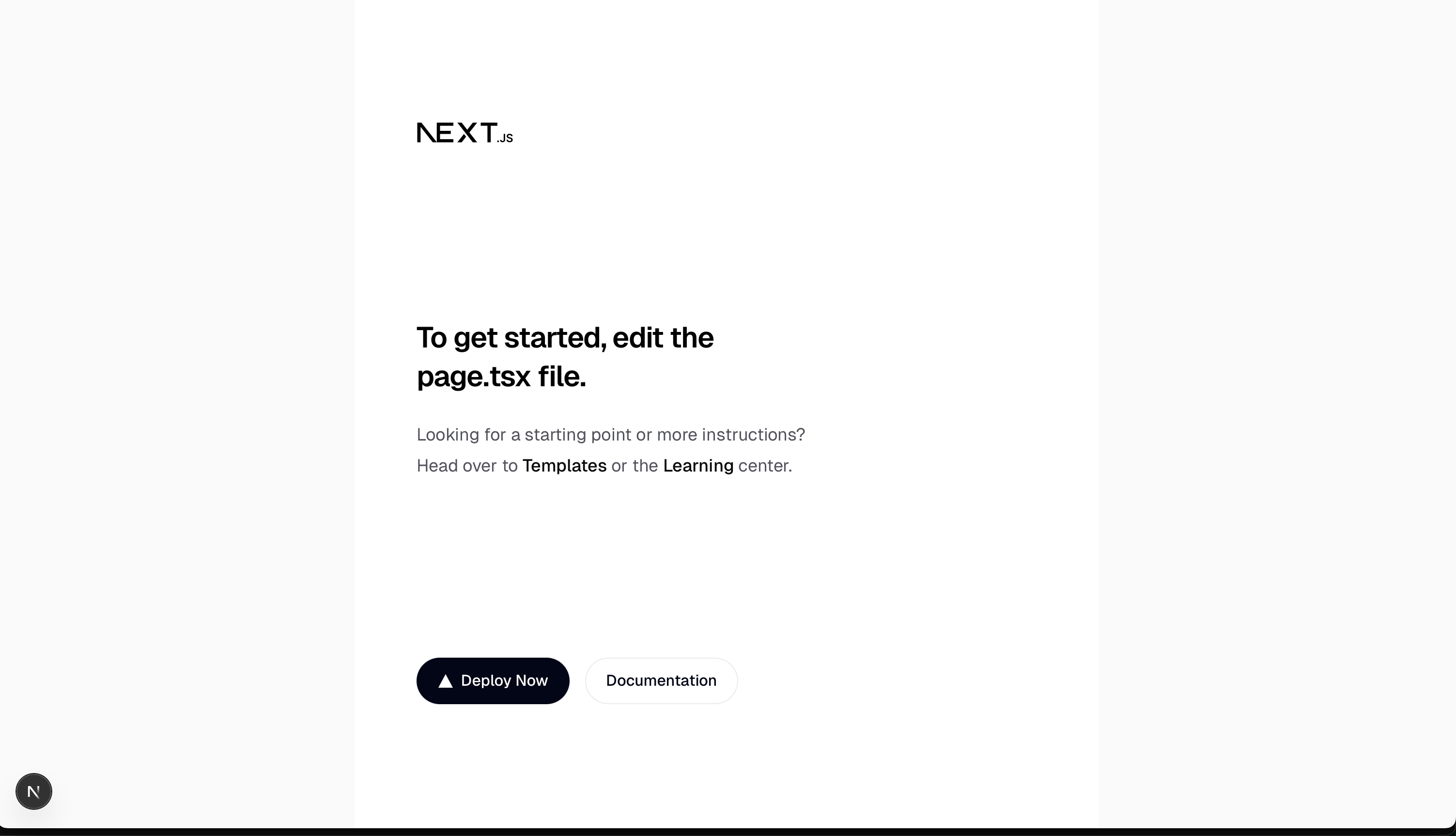
Right now you'll have a base Next.js app.